
Quick summary
Automate client onboarding by joining the handovers between tools, and Content Snare suits firms that want a new client’s details, documents and ID collected in one request. Ignition suits firms that want a signed proposal to trigger everything after it, and Xero Practice Manager suits those on Xero who need one client record.
This is for the owner, practice manager or operations manager at an accounting or bookkeeping firm who wants onboarding to run without someone pushing each step along. It covers what happens between a client saying yes and the first piece of work starting. It doesn’t cover onboarding new staff.
Most of these tools grew up around Xero, so Australian, New Zealand and UK firms will get the most from the list. US firms can swap Xero Practice Manager (XPM) for the practice management tool they run.
The shortlist
- 1 Content Snare : Best for collecting client details and ID, then handing them on
- 2 Ignition : Best for making the signed proposal the trigger for everything else
- 3 Annature : Best for getting tax returns and forms signed, with ID checks and webhooks
- 4 FuseSign : Best for signed documents filed back into XPM, FYI or Karbon
- 5 Calendly : Best for booking the kickoff call inside the onboarding request
- 6 Xero Practice Manager : Best for the client record a new Xero-based client lands in
- 7 Karbon : Best for firms whose accepted proposals should open Karbon work items
- 8 FYI : Best for filing the new client's documents on top of XPM
- 9 Zapier : Best for no-code links between tools that don't connect natively
- 10 Make : Best for branching automations, like sending wrong answers back to clients
How we compared them
We’re a software and automation team that works with professional firms. We compared these tools on five things:
| Criterion | What we checked |
|---|---|
| Which step it covers | Proposal, signing, payment, collection, ID checks, creating the client, or kicking off the work (the Stage column) |
| What it connects to natively | Built-in links to the other tools on this list, with no Zapier in between (What connects to what) |
| Zapier and Make | Whether it has an app on each, and whether that app can start an automation or only receive one |
| API and webhooks | For the connections the apps don’t cover, and which plan they start on |
| Client effort | Whether the client needs an account or password for their part (the login column) |
Sources: each vendor’s product, help and developer pages, the Zapier and Make app directories, and user reviews on G2, Capterra, the Xero App Store and Reddit, checked September 2026. We’ve used Zapier, Make and Calendly ourselves. We don’t publish scores, and we don’t list prices. Each entry names the pricing model and links to the vendor’s current pricing.
Not included: practice management suites that run onboarding inside one product, such as TaxDome, because this post is about joining separate tools (see What else we looked at).
Facts checked September 2026.
The onboarding steps, in order
- Proposal Ignition
- Sign Ignition, Annature or FuseSign
- Pay Ignition
- Collect Content Snare
- Verify Content Snare or Annature
- Create client XPM, Karbon or FYI
- Kick off Calendly, then Karbon or FYI
Onboarding is a run of handovers from one tool to the next, and it stalls at the handovers. Someone has to notice the proposal was signed and send the request, or notice the request is finished and set the client up in XPM. Those handovers are what to automate first.
Ignition covers the first three steps on its own. Clients accept the proposal, sign the engagement letter and add their payment details in Ignition, so a firm on Ignition doesn’t need a separate signing tool for the engagement letter. Annature and FuseSign are for the other documents a client signs, like tax returns and financial statements, and both can be sent from inside a Content Snare request.
The order isn’t fixed. Some Australian firms collect the client’s details first, push them into XPM, and send the Ignition proposal from there so nothing is typed twice.
Zapier and Make join the tools that have no built-in link to each other.
Client onboarding automation tools compared
| Tool | Best for | Stage | Type | Client login needed? | Connects natively to | Pricing model |
|---|---|---|---|---|---|---|
| Content Snare | Collecting client details and ID, then handing them on | Collect, verify | Collection | No (secure link)1 | XPM, FYI, FuseSign, Annature, Calendly2 | Flat plans by volume |
| Ignition | Making the signed proposal the trigger for everything else | Proposal, sign, pay | Proposals and payment | No (secure link) | Xero, XPM, Karbon, FYI3 | Flat plans by volume4 |
| Annature | Getting tax returns and forms signed, with ID checks and webhooks | Sign, verify | E-signature | No (secure link) | XPM, FYI, Content Snare | Per use |
| FuseSign | Signed documents filed back into XPM, FYI or Karbon | Sign | E-signature | No (secure link) | XPM, FYI, Karbon, Content Snare | Tiers by usage |
| Calendly | Booking the kickoff call inside the onboarding request | Kick off | Scheduling | No (booking link) | Content Snare (a booking field) | Free plan + per user |
| Xero Practice Manager | The client record a new Xero-based client lands in | Create client | Practice management | No client access5 | Ignition, Karbon, FYI, Content Snare, Annature, FuseSign | Included with partner status6 |
| Karbon | Firms whose accepted proposals should open Karbon work items | Create client, kick off | Practice management | No (magic link) | XPM, Ignition, Annature, FuseSign | Per user |
| FYI | Filing the new client’s documents on top of XPM | Create client, kick off | Document management | Yes (client account)7 | XPM, Ignition, FuseSign, Annature, Content Snare | Per user |
| Zapier | No-code links between tools that don’t connect natively | Connects the others | Automation | No client access | Content Snare, Ignition, Calendly, Karbon, FYI8 | Free plan + usage tiers |
| Make | Branching automations, like sending wrong answers back to clients | Connects the others | Automation | No client access | Content Snare, Calendly, Xero | Free plan + usage tiers |
- A PIN or a full client account can be switched on instead.
- Ignition connects through a public Zapier template. Some firms that run Karbon join the two through the API and webhooks.
- The XPM, Karbon, FYI and Zapier connections start on the Pro plan.
- Plans are capped by active clients with signed agreements, plus per-transaction payment fees.
- Clients never see XPM. Xero Partner Hub requests and document packs need a Xero login.
- Free for Silver, Gold and Platinum Xero partners, otherwise a flat monthly plan for up to 10 users.
- The Collaborate portal needs a login and starts on the Pro plan. FYI Forms can go out by link.
- Karbon’s app handles contacts only. FYI’s can’t start a Zap.
The 10 tools
1. Content Snare
Best for: Firms that want a new client’s details, documents and ID collected, then passed to the next tool
- Type
- Collection
- Client login
- No, secure link by default (PIN or full account optional)
- Pricing model
- Flat plans by volume
- Stage
- CollectVerify

Content Snare is the collection step in an automated onboarding setup. Clients open a link and send their details, documents and ID in one request, and their answers save as they go.
Why Content Snare is on the list
Every other tool on this list hands a client to Content Snare or takes one from it. The request generator sends bulk and recurring requests from one template and a CSV, and Smart Requests turn a PDF form you already use into a request. Webhooks fire on request and field events, including ID and AML decisions. There’s an API (OAuth 2.0), Zapier and Make apps, and an integration action that creates the client in XPM when a request is done.
Claire Beckett, a bookkeeper at Sunside Accounting, types an instruction like “send the onboarding form to this client” into Claude, which creates and sends the request through the API. Customers put the return on investment at 23.9x in Content Snare’s customer survey (customer-reported).
Content Snare pros
- Clients book the call and start signing PDFs without leaving the request
- Scheduled reminders until the client finishes, over several sittings
- Approve or reject each answer, with a comment on it
Content Snare cons
- No proposals or payments. Ignition or your practice management tool agrees the fee and takes the payment details.
- The XPM action always creates a new client and can’t update an existing one, so check XPM before sending the request.
- Integration actions only reach XPM. A Karbon work item, an FYI job or the Ignition handover needs Zapier, Make or the API.
- The signature field is a drawn sign-off. A signed PDF, like a tax return, needs FuseSign or Annature, each a separate subscription.
What Content Snare users say
Engagements, quotes, payments in Ignition. All of the rest in Content Snare. It’s an online questionnaire, collects all information and documents, ID verification, tax/bas agent authority.
We save so much time not having to manually send follow up emails. It also relieves the mental load attached to chasing up info.
Sunside Accounting
Integrations: XPM (import clients, and create one when a request is done), FYI, SuiteFiles, Google Drive, Dropbox, OneDrive, SharePoint, a drawn signature field, FuseSign and Annature for clients to sign an uploaded PDF or the exported request, a Calendly field, Zapier, Make, an API and webhooks. Ignition through Zapier. Used alongside Karbon, with no native integration.
Pricing model: Flat monthly plans, tiered by how many requests are open at once, with unlimited clients on every plan. The XPM and FYI integrations and custom branding start on the Plus plan.
2. Ignition
Best for: Firms that want the signed proposal, and the payment details, to start every step after it
- Type
- Proposals and payment
- Client login
- No, secure link
- Pricing model
- Flat plans by volume
- Stage
- ProposalSignPay
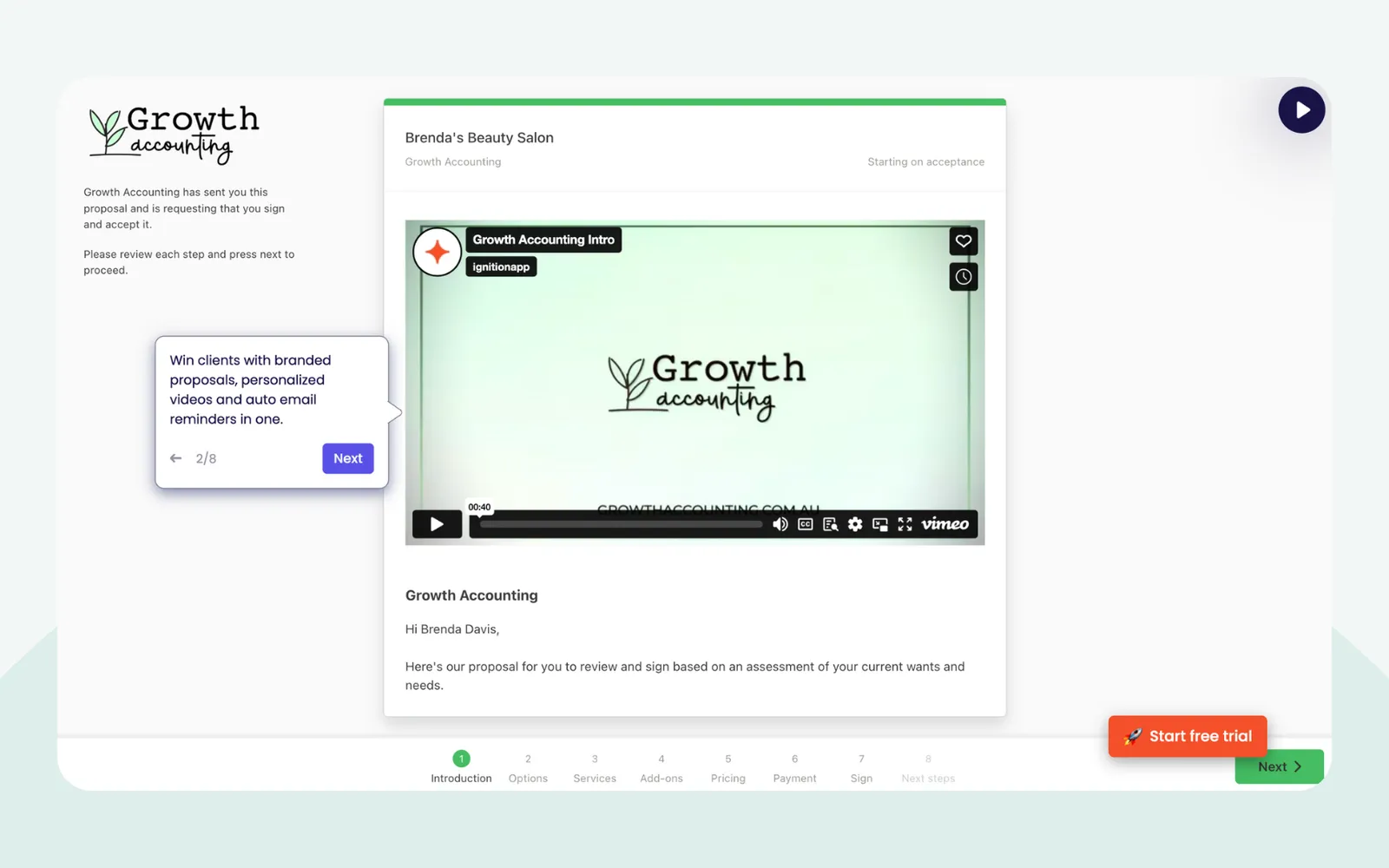
Ignition, founded in Australia in 2013, sends proposals and engagement letters as one link, where clients accept, sign and add their payment details.
Why Ignition is on the list
It covers the first three steps, and a signed proposal is what every later step can start from. On acceptance it can create the Xero invoice, the XPM job, a Karbon work item or an FYI job natively, and a public Zapier template turns an accepted proposal into a Content Snare request. Its ID and AML checks, in early access for Australia and the UK since June 2026, have no independent reviews yet.
Ignition pros
- Payment details captured at signing, then billed from them
- Bulk annual re-engagement with price changes, on Pro and up
- Accepted proposals open XPM jobs and Karbon work items
Ignition cons
- Several G2 reviewers and Reddit posters (2024 to 2026) say repeated price rises are what they like least.
- The XPM, Karbon, FYI and Zapier connections start on the Pro plan.
- We found no public API, webhooks or Make app, so Zapier is the only automation route.
What Ignition users say
It solves the payment collection problem by handling payments upfront and securely storing payment methods for future use.
Integrations: Xero, QuickBooks Online, MYOB, XPM, Karbon, FYI and Zapier. Signing is built in. Content Snare through Zapier.
Pricing model: Flat monthly tiers capped by active clients with signed agreements and by users, with a per-client fee above the cap, plus per-transaction payment fees. 14-day free trial.
3. Annature
Best for: Australian firms that want clients signing and verifying their ID from a link, with an API to automate it
- Type
- E-signature
- Client login
- No, secure link by email or SMS
- Pricing model
- Per use
- Stage
- SignVerify
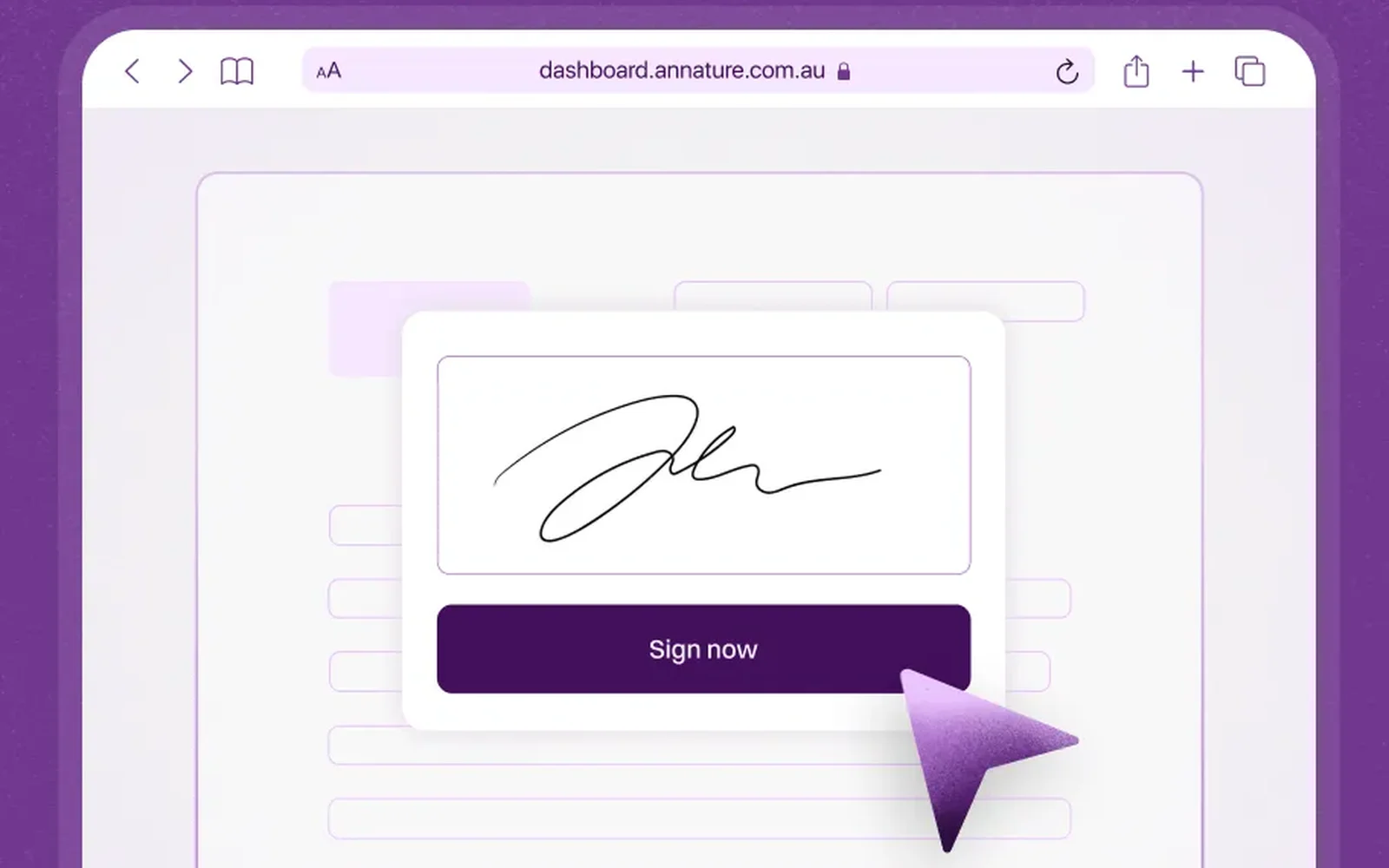
Annature is Australian e-signature software with ID checks, AML screening and payments. Clients sign from an email or SMS link without an account.
Why Annature is on the list
Of the two signing tools, Annature is the easier one to automate. Its API and webhooks aren’t kept for a higher plan, it writes signed documents and ID certificates back to the client’s XPM record, and Content Snare can send it documents from inside a request.
Annature pros
- Pay per envelope, with unlimited users
- ID checks to ATO and TPB guidance, AML screening optional
- Webhooks when a document’s signing status changes
Annature cons
- We found no Zapier or Make app, so anything past its native links needs the API.
- Outside the Xero App Store, independent reviews are thin, with 6 on G2 and no Capterra listing found.
What Annature users say
Annature is amazing software, saved me a ton of cash vs DocuSign.
Integrations: XPM, FYI, Content Snare, MYOB, and a public API with webhooks.
Pricing model: Pay per envelope with unlimited users, and per ID check, with AML screening charged per check on top. Firms sending more than 100 envelopes a year get a custom quote. 7-day free trial.
4. FuseSign
Best for: Accounting firms that want signed documents filed straight back into XPM, FYI, Karbon or BGL
- Type
- E-signature
- Client login
- No, secure link by email or SMS
- Pricing model
- Tiers by usage
- Stage
- Sign
FuseSign is e-signature software for accounting firms, built by FuseWorks in Brisbane. Clients sign from an email or SMS link, with no portal to log in to. It’s here for its native links to XPM, FYI, Karbon, BGL and Content Snare, which file signed documents back where they came from. It has no Zapier or Make app, and API access, including webhooks, is on the Enterprise plan. Data is hosted in Australia or the UK.
Pricing model: Monthly or annual plans by signing credits, one credit per signer, from a solo Starter tier to a quoted Enterprise+ tier. 14-day free trial.
5. Calendly
Best for: Firms that want the client to book the kickoff call before the onboarding request is finished
- Type
- Scheduling
- Client login
- No, booking link
- Pricing model
- Free plan + per user
- Stage
- Kick off
Calendly is scheduling software. Clients pick a time from a booking link without an account. It’s here because Content Snare has a Calendly field, so the client books the kickoff call as part of the onboarding request. On r/taxpros, practitioners warn against putting a booking link on your website and say to send it after intake, which is when this setup sends it. Calendly has a Zapier app, an API and webhooks, its data is hosted in the US, and a Make connection isn’t confirmed either way.
Pricing model: A free plan, then paid plans charged per user, billed monthly or yearly. Enterprise is quoted.
6. Xero Practice Manager
Best for: Xero partner firms that need one place for the new client, the work and the billing
- Type
- Practice management
- Client login
- No client access (clients never see it)
- Pricing model
- Included with partner status
- Stage
- Create client
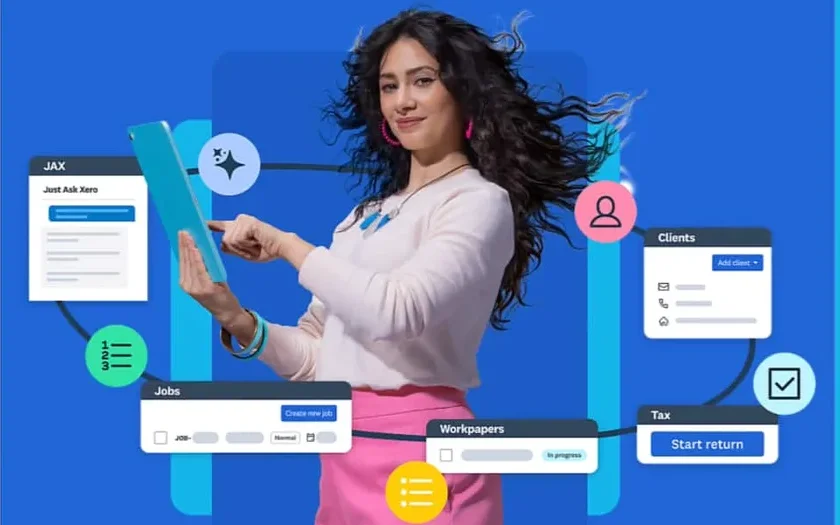
Xero Practice Manager is Xero’s practice management for jobs, time and billing, now part of Xero Partner Hub. Clients never see it.
Why Xero Practice Manager is on the list
Six tools on this list create or sync XPM clients natively, so for most firms on Xero in Australia, New Zealand and the UK, it’s where a new client ends up.
In August 2026 Xero announced Document Requests in Xero Partner Hub, where its AI assistant, JAX, chases clients for paperwork missing from transactions in Xero. Those requests chase paperwork for transactions already in the books, a month-end close task. That’s different from collecting a new client’s details and documents, which is what Content Snare and the other collection tools on this list do.
Xero Practice Manager pros
- One client record, synced with Xero accounting
- Xero Tax and Workpapers included with practice management
- More native links than any other tool here
Xero Practice Manager cons
- Since March 2026 its API needs Xero’s Advanced developer tier and Xero’s approval, which rules out a firm building its own link.
- Connected apps can duplicate clients. Ignition’s and FYI’s help docs warn about it, and Xero has a help article on merging them.
What Xero Practice Manager users say
Having our client data, job tracking, and invoicing all living under one roof saves our team from constantly double-handling data.
Integrations: Xero accounting, Xero Tax and Workpapers, and the six native links above. No Zapier or Make app.
Pricing model: Included free for Silver, Gold and Platinum Xero partners. Other partner firms get a flat monthly subscription for up to 10 users after a 14-day trial.
Visit Xero Practice ManagerSee Xero Practice Manager’s pricing
7. Karbon
Best for: Firms that run their work in Karbon and want accepted proposals to open work items
- Type
- Practice management
- Client login
- No, magic link (or the Karbon for Clients app)
- Pricing model
- Per user
- Stage
- Create clientKick off
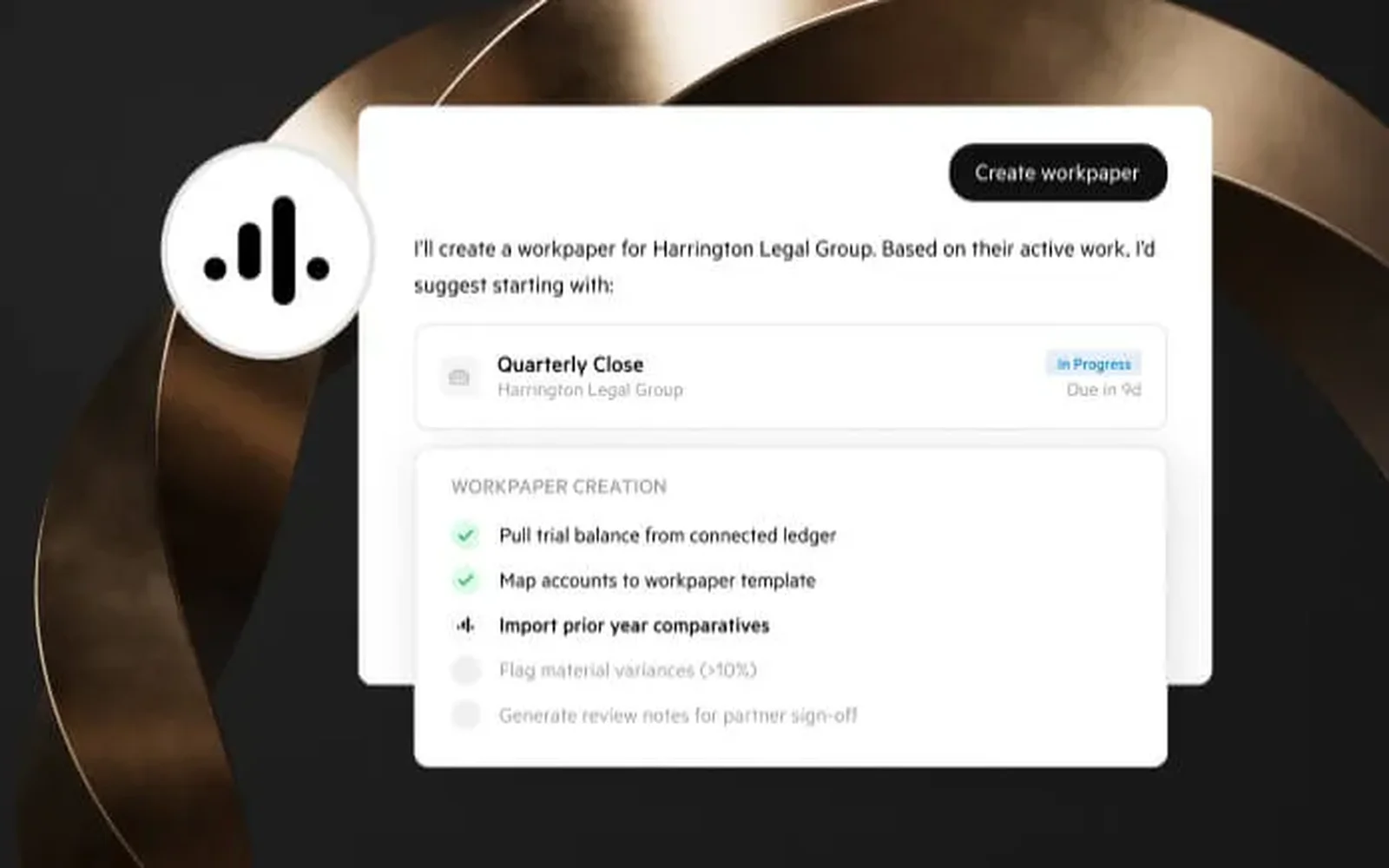
Karbon is practice management built around team workflow and email, with client tasks.
Why Karbon is on the list
For firms that run their work in Karbon, onboarding ends with Karbon work, and Ignition opens Karbon work items natively when a proposal is accepted. Content Snare has no native Karbon integration. Some firms join the two through the API and webhooks, so a job changing state in Karbon creates the matching request, and the answers go back into Karbon.
Karbon pros
- Email triage and work in one client record
- Work templates and automators for recurring work
- Native Ignition, XPM and QuickBooks Online links
Karbon cons
- Its Zapier app handles contacts only, so a Zap can’t create or update a work item.
- Tasklist automators and the API start on the Business plan.
What Karbon users say
The interface is functional rather than delightful, and setup takes real time and follow-through from leadership. Half-set it up and it will half-work.
Integrations: Xero, XPM, Ignition, QuickBooks Online, BGL, Annature and Zapier (contacts only). E-signature is built in, paid for by credit.
Pricing model: Per user, per month, on Team, Business and Enterprise (quoted), with e-signature credits bought separately. Tasklist automators, client reminders and the API start on Business.
8. FYI
Best for: XPM firms that want the new client’s documents filed and their first jobs set up
- Type
- Document management
- Client login
- Yes, a client account for Collaborate (Forms can go by link)
- Pricing model
- Per user
- Stage
- Create clientKick off
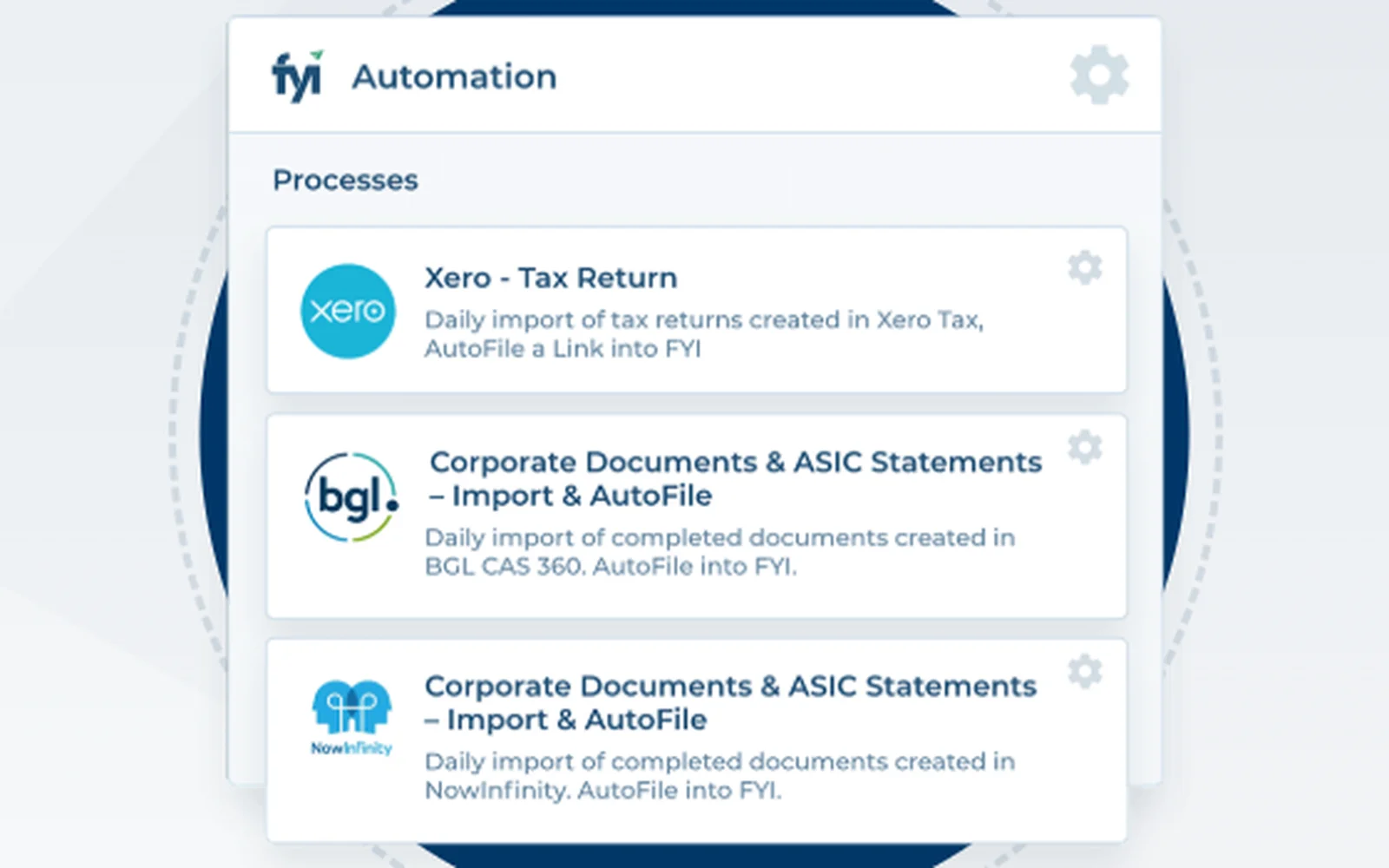
FYI is document management and practice automation for accounting firms in Australia, New Zealand and the UK, built on Microsoft 365.
Why FYI is on the list
Firms on XPM use FYI for their documents, and FYI can file a new client’s documents and set up the first jobs after onboarding. Content Snare imports FYI clients, files what it receives in a cabinet you choose and adds a web link to the request in FYI. Ignition, FuseSign and Annature connect natively too.
FYI pros
- Two-way XPM sync of clients, jobs and time
- Template documents with merge fields
- Forms with reminders, sendable to many clients at once
FYI cons
- Its Zapier app can take actions but can’t start a Zap, and we found no Make app.
- Clients have to log in to upload through Collaborate, which starts on the Pro plan.
- Pro and Elite prices rise from 1 November 2026, per FYI’s pricing page.
What FYI users say
we are really seeing the benefits of automating processes, in particular with regards to new client onboarding (engagement letters and clearance requests)
Integrations: XPM (two-way), Content Snare, Ignition, FuseSign, Annature, AMLCC, Xero, MYOB, and a Zapier app for actions.
Pricing model: Per user, per month, on Intermediate, Pro and Elite. 30-day free trial.
9. Zapier
Best for: Firms that don’t write code but need tools with no built-in link joined up
- Type
- Automation
- Client login
- No client access
- Pricing model
- Free plan + usage tiers
- Stage
- Connects the others

Zapier is no-code automation that joins apps with trigger-and-action workflows called Zaps. Clients never see it.
Why Zapier is on the list
It bridges the connections no tool here builds itself, and it’s the easier of the two automation tools to learn. The Ignition to Content Snare template is the obvious first Zap, and Content Snare’s app has instant triggers for completed requests and approved or rejected fields.
Zapier pros
- Apps for Content Snare, Ignition, Calendly, Karbon, FYI and Xero
- A simple two-step Zap is quick to build
- Copilot builds a Zap from a plain-English description
Zapier cons
- Task-based pricing climbs as automations grow, the top complaint on G2 and Reddit. In 2026, AI steps started counting as extra tasks.
- When a plan’s task limit is hit, Zaps are held, so the onboarding request may not go out until the Zap runs again.
What Zapier users say
My first Zap took less than fifteen minutes to set up, and from that moment it started eliminating manual tasks we were doing every day
Integrations: Content Snare, Ignition, Calendly, Karbon, FYI and Xero, plus Webhooks by Zapier on paid plans.
Pricing model: A free plan with 100 tasks a month and two-step Zaps, then tiers by monthly task volume, with opt-in pay-per-task overage. Team and Enterprise add shared workspaces.
10. Make
Best for: Firms with someone who’ll build branching automations, like sending wrong answers back to the client
- Type
- Automation
- Client login
- No client access
- Pricing model
- Free plan + usage tiers
- Stage
- Connects the others
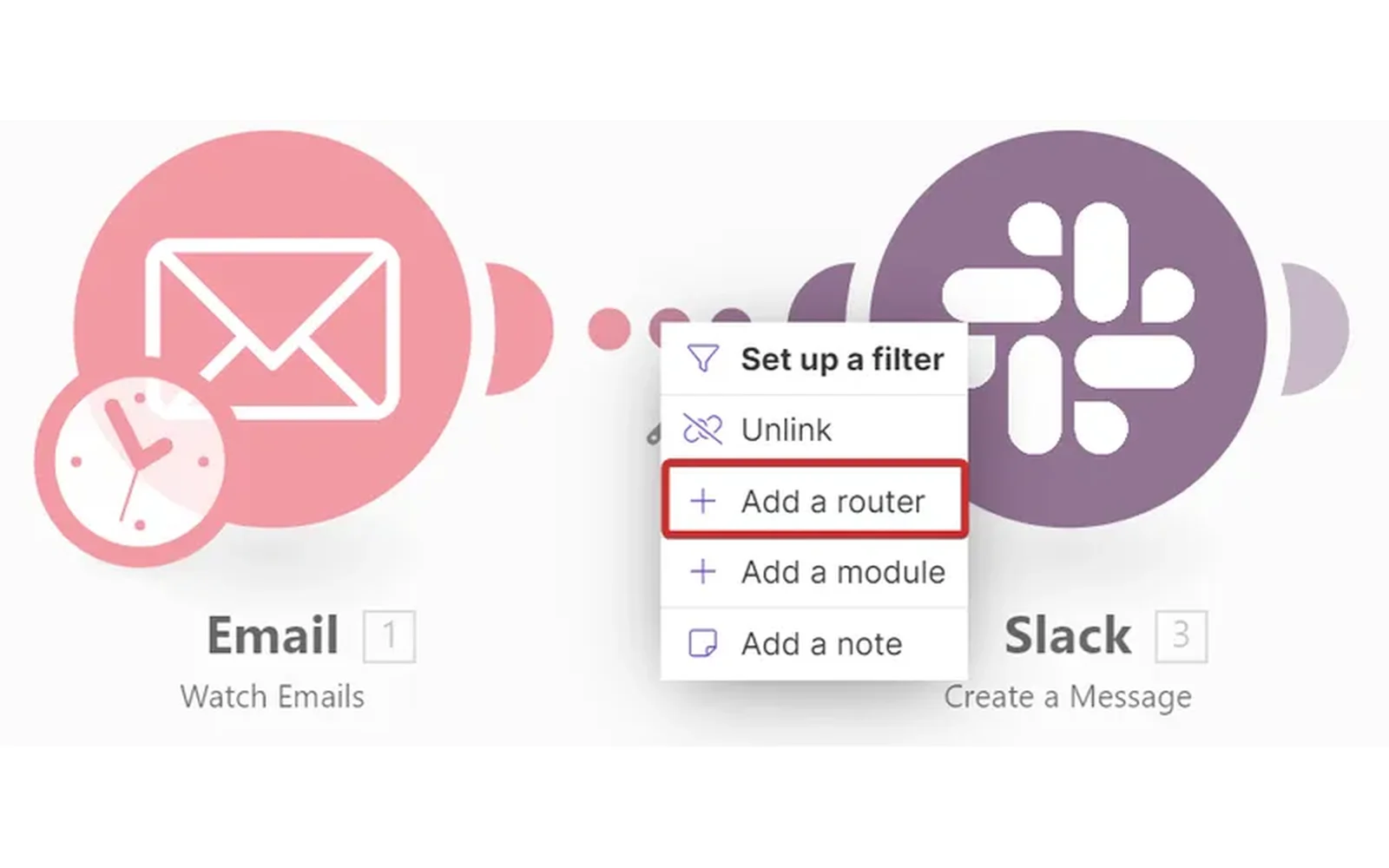
Make, formerly Integromat and owned by Celonis, is visual automation software for building scenarios with branches, filters and error handlers.
Why Make is on the list
Make handles branching that usually takes extra setup in Zapier. Content Snare’s Make app watches for completed requests, approved or rejected fields and new comments, and can create requests and reject a field that fails a check, all without code.
Make pros
- Branching, retries and error handling in one visual flow
- Run history shows the data moving between steps
- A free plan with 1,000 credits a month
Make cons
- Only Content Snare, Calendly and Xero have Make apps. Ignition, Annature, FuseSign, XPM, Karbon and FYI need API work.
- G2, Capterra and Reddit users say it’s harder to learn than Zapier, and one G2 reviewer needed a consultant to start.
What Make users say
Once the scenario is correctly configured, the automation is very powerful: filters, retries, error handling and integrations make it possible to create robust business processes while keeping the workflow understandable visually.
Integrations: Content Snare, Calendly and Xero, plus HTTP and webhook modules for other tools’ APIs.
Pricing model: A free plan with 1,000 credits a month and two active scenarios, then tiers set by monthly credit volume, with no charge per user. Unused credits expire. Hosted in a US or EU zone.
What connects to what
Every cell below comes from the vendors’ own pages and the Zapier and Make app directories. Native means the connection is built in.
| Tool | Connects to Content Snare | Zapier app | Make app | API or webhooks | Connects to XPM |
|---|---|---|---|---|---|
| Content Snare | n/a | Yes, triggers and actions | Yes, triggers and actions | API and webhooks | Native (Plus plan and up) |
| Ignition | Through a Zapier template | Yes (Pro plan and up) | Not confirmed | None public | Native (Pro plan and up) |
| Annature | Native | Not confirmed | Not confirmed | API and webhooks | Native |
| FuseSign | Native | No | No | Enterprise plan only | Native |
| Calendly | Booking field in a request | Yes, triggers and actions | Not confirmed | API and webhooks | None found |
| Xero Practice Manager | Native | No | No | Advanced developer tier, Xero approval | n/a |
| Karbon | API and webhooks only | Contacts only | Not confirmed | API and webhooks (Business plan) | Native |
| FYI | Native | Actions only, no triggers | Not confirmed | API keys for partner apps, no public docs found | Native |
| Zapier | Yes | n/a | n/a | Webhooks (paid plans) | No XPM app |
| Make | Yes | n/a | n/a | HTTP and webhook modules | No XPM app |
Zapier reaches more of these tools than Make does, but neither reaches XPM, Annature or FuseSign, so those links have to be the tools’ own. For a firm on XPM, the native links cover most handovers, and Zapier connects Ignition to Content Snare.
What else we looked at
If you’d rather not join tools at all, TaxDome puts proposals, e-signatures, payments and a client portal in one product. Seamlss handles Australian onboarding, with ID checks and an engagement letter in one link, then pushes the client into XPM.
- Anchor: the proposal and billing tool US firms usually weigh against Ignition, with its own Zapier and Make apps.
- GoProposal: UK proposals and engagement letters, with independent reviews almost all on the Xero App Store.
Let the software do the chasing, not your team
When new clients go quiet on a request, the usual fix is a person. A practice manager or an admin takes over the follow-ups, which moves the chasing to one desk without removing any of it.
Brian Goodwin, Director of Sales & Partnerships at Incentax, describes the version his firm tried: “We even tried having someone manage it all with Trello, but that just meant one person chasing everything instead of several.” After the firm moved its requests to Content Snare, he says, “An information request that used to take an hour and a half now takes five minutes.”
Automatic reminders go out on the schedule you set, in the same words every time, so nobody has to remember to send them, or be one.
Reminders only fix the chasing inside a request. The other gaps are between tools. A proposal gets signed and nobody sends the request, or a request is finished and nobody sets the client up in XPM.
Three automations worth building first
- A signed proposal sends the onboarding request. Ignition’s “Proposal Accepted” trigger, through Zapier, runs Content Snare’s “Create Request”, using a public template. That Zap needs Ignition’s Pro plan. Use “Proposal Accepted” rather than “Service Accepted by Client”, which fires once per service and sends a three-service client three requests. For Karbon firms, Ignition creates the work item natively at the same time.
- A finished request creates the client in XPM. Content Snare’s integration action creates the client as soon as the request is completed, or only when someone triggers it. Start with the manual trigger, so someone checks the answers before they go in. The action always creates a new client and can’t update one already in XPM, so check the client isn’t there first. That matters most when Ignition has already created the XPM client on acceptance.
- Submitted answers get checked, and wrong ones go back. Content Snare’s Make app can watch for completed fields and reject the ones that fail a check, so the client fixes them without anyone at the firm touching it. Developers can do the same with webhooks and the API. Start with one rule, like a missing bank statement.
Whichever you build, Beau Gaudron of Growthwise gave one rule on a webinar in August 2026: “whatever you do decide to automate, make sure you actually build into it some kind of log or some kind of reference point that tells you what’s actually going on.”
What should stay manual
Start with one workflow, get it working, then build the next. Some steps are better left with a person the whole way:
- The welcome call. The first conversation is where the relationship starts, and a booking link can’t have it for you.
- Pricing and scope. Software can send the proposal. Someone still decides what goes in it.
- The decision on ID and AML results. The screening can run on its own. Content Snare logs a Proceed or Don’t Proceed decision against the person who made it, and that decision should stay with a person.
- A check before answers go into XPM. Someone should read what the client sent before it becomes the client record.
Start with one automation
Pick the handover your team does most often. For most firms, that’s a proposal being signed and the onboarding request going out. Build that one this week, have it post a daily note of what it ran, and leave it for a month. Once it has run for a month without anyone stepping in, pick the next handover to automate.
Frequently asked questions
How can I automate client onboarding?
Automate the handovers between your tools first. A signed proposal sends the collection request, a finished request creates the client in your practice management system, and automatic reminders chase the client in between. Use each tool’s native links where they exist, then Zapier or Make for the gaps.
What is automated client onboarding?
Automated client onboarding is onboarding where each step starts the next without someone doing it by hand. A signed proposal sends the document request, reminders chase the client, and the finished request creates the client record. That takes onboarding from signed proposal to the first piece of work. People still make the calls on pricing, ID results and the answers themselves.
Can ID and AML checks be automated?
The checks can. ID document and liveness checks, plus PEP and sanctions screening, go to the client as a link in Content Snare, Annature, and Ignition in early access. The decision to take the client on should stay with a person, and Content Snare logs that decision against whoever made it.
Does Content Snare integrate with Xero Practice Manager?
Yes. Content Snare imports clients from XPM and can create a new XPM client from a completed request, on the Plus plan and up. The action always creates a new client and can’t update one already in XPM, so check the client isn’t there before you run it.
What parts of onboarding shouldn’t be automated?
Keep four things with a person: the welcome call, decisions on pricing and scope, the decision on ID and AML results, and a check of the client’s answers before they go into your practice management system. Automate the sending, reminding and record-keeping around them.